If your marketing team manages pricing in Webflow CMS and your sales team works in HubSpot, someone is manually copying pricing data between the two. That breaks when pricing changes, and it breaks silently: sales quotes an old price, the proposal goes out wrong, the deal gets awkward.
This guide shows how to build an automated sync between Webflow CMS and HubSpot using n8n, so pricing updates flow automatically within minutes of a Webflow publish.
The Problem
Webflow CMS is great for managing structured content like pricing tiers, feature lists, and plan comparisons. Your marketing site renders it directly. But HubSpot has no native Webflow integration that syncs CMS collection data. The result: two sources of truth for pricing, with sales working from a stale copy.
Architecture Overview
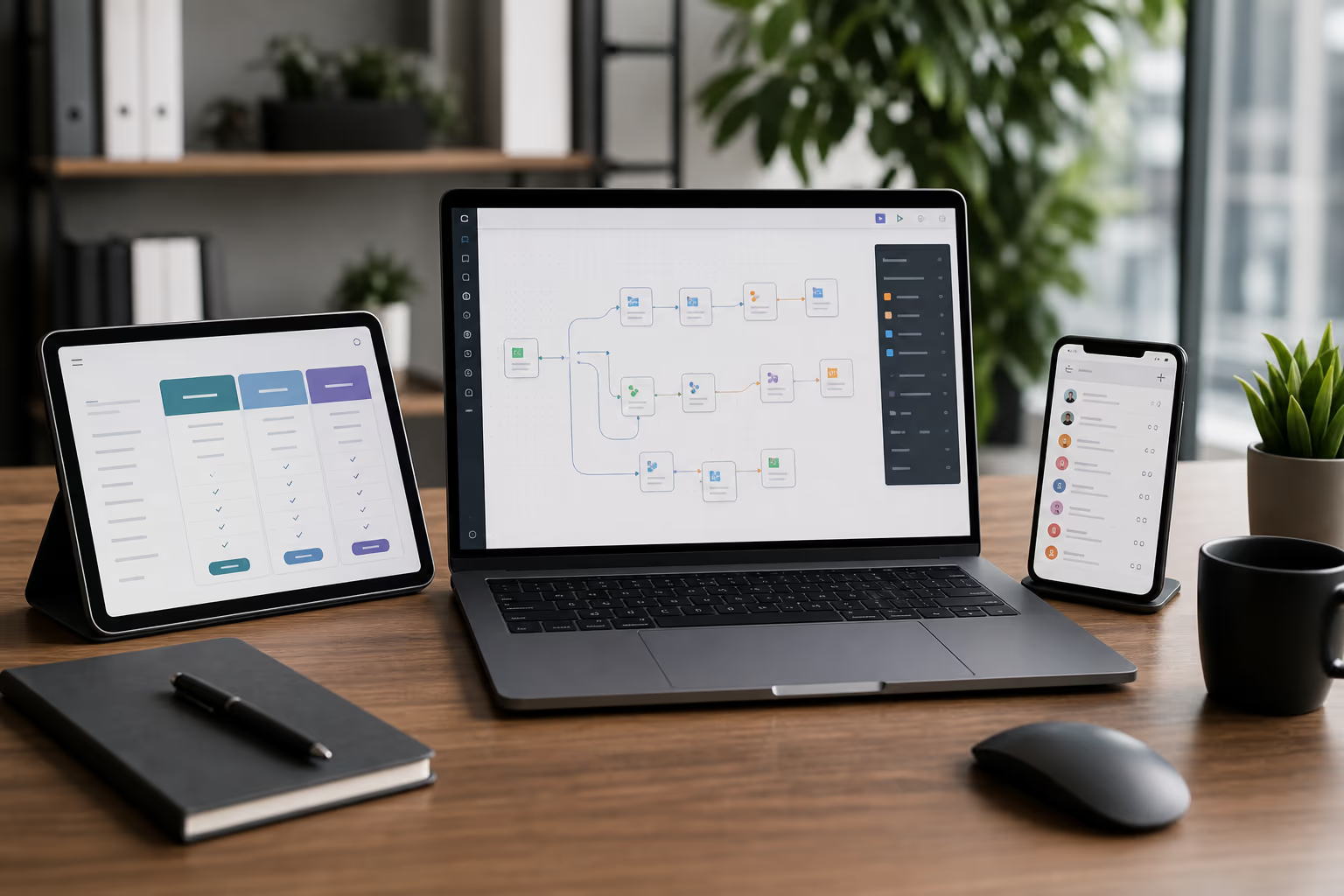
The sync works like this:
- Webflow publishes a CMS item change (pricing tier updated)
- A Webflow webhook fires to your n8n instance
- n8n receives the webhook payload, transforms the data
- n8n updates the corresponding HubSpot record (custom object or deal property)
- Optional: n8n logs the sync event to a spreadsheet for audit
Step 1: Set Up the Webflow Webhook
In your Webflow project settings, go to Integrations > Webhooks. Add a new webhook:
- Trigger: Collection Item Changed (or Created/Deleted if you want full lifecycle)
- URL: Your n8n webhook endpoint (we’ll create this next)
The webhook payload includes the full CMS item data: name, slug, all custom fields, and metadata.
Step 2: Build the n8n Workflow
In n8n, create a new workflow with these nodes:
Node 1: Webhook (trigger)
- HTTP Method: POST
- Path: /webflow-pricing-sync
- This gives you a URL like
https://your-n8n.com/webhook/webflow-pricing-sync
Node 2: Set (data transformation)
- Map Webflow fields to HubSpot properties
- Example: Webflow’s “Monthly Price” field maps to HubSpot’s “pricing_monthly” property
- Handle type conversions: Webflow stores prices as strings, HubSpot may expect numbers
Node 3: HubSpot (update record)
- Operation: Update or Create
- Object Type: Custom Object (if you’ve created a Pricing object) or Deal properties
- Match on: a shared identifier like the plan slug or SKU
Node 4: Google Sheets (optional audit log)
- Append a row with: timestamp, plan name, old price, new price, sync status
- This gives your team visibility into what changed and when
Step 3: Handle Edge Cases
- New plans: If a CMS item is created that doesn’t exist in HubSpot, the workflow should create a new record, not fail silently
- Deleted plans: Decide whether to delete the HubSpot record or mark it as archived. We recommend archiving.
- Webhook retries: Webflow retries failed webhooks. Add idempotency logic (check if the update already happened before writing) to avoid duplicate updates.
- Rate limits: HubSpot’s API has rate limits. If you publish multiple CMS changes at once, add a small delay between API calls in n8n.
Step 4: Test and Deploy
- Trigger a test webhook from n8n’s webhook node
- Verify the data transformation maps fields correctly
- Check that the HubSpot record updates with the right values
- Make a real CMS change in Webflow and verify end-to-end
- Activate the workflow and set it to production mode
Why n8n for This?
You could build this with Zapier or Make.com, but n8n has advantages for this use case:
- Self-hostable: Your pricing data doesn’t flow through a third-party cloud if you host n8n yourself
- No per-execution pricing: Webflow fires a webhook on every publish, including accidental ones. With Zapier, that burns through your task quota. n8n self-hosted has no per-execution cost.
- Better error handling: n8n’s error workflow feature lets you build retry logic and alerting without bolting on extra tools
Need Help Building This?
We’ve built this exact integration for B2B SaaS companies. The Webflow-to-HubSpot pricing sync is one of our most common automation projects.
Our API Integration & Automation service covers n8n workflow design, webhook setup, data transformation, error handling, and monitoring. We also do HubSpot Integration & Setup if you need broader HubSpot configuration alongside the sync.